
Trash Bin is a page where you can restore or permanently delete deleted projects and application files.
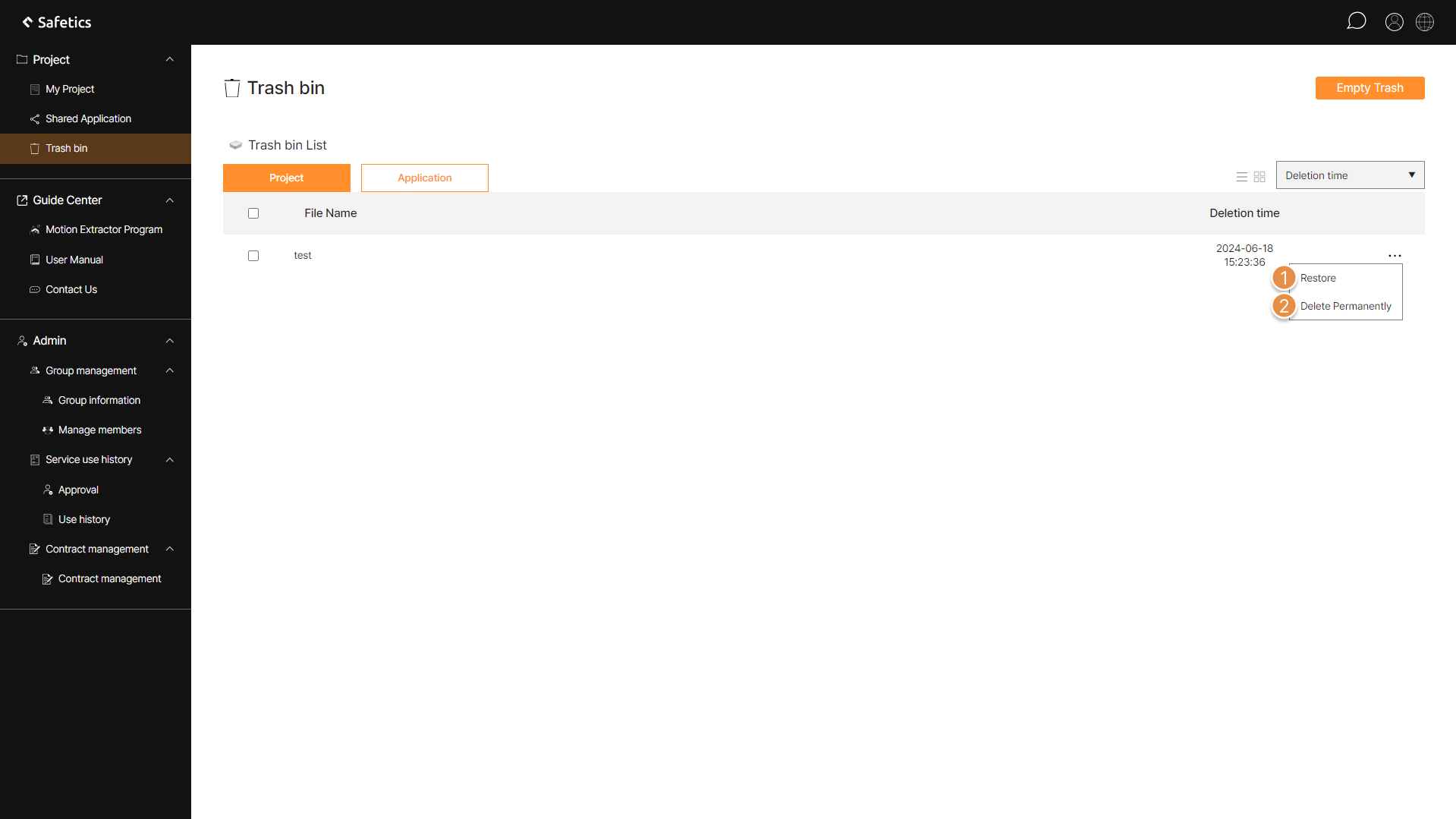
Trash bin screen
1. Trash Bin Screen Layout
① Restore
You can restore the file by clicking the View More menu.
② Delete Permanently
If you click View More menu to permanently delete a file, the file will be completely deleted.
Tip
You can also click the check box on the left of the file to restore or permanently delete multiple files, and delete the entire file by emptying the trash bin.