
All
Open the Admin web in a browser and log in with your account.
 23451
23451
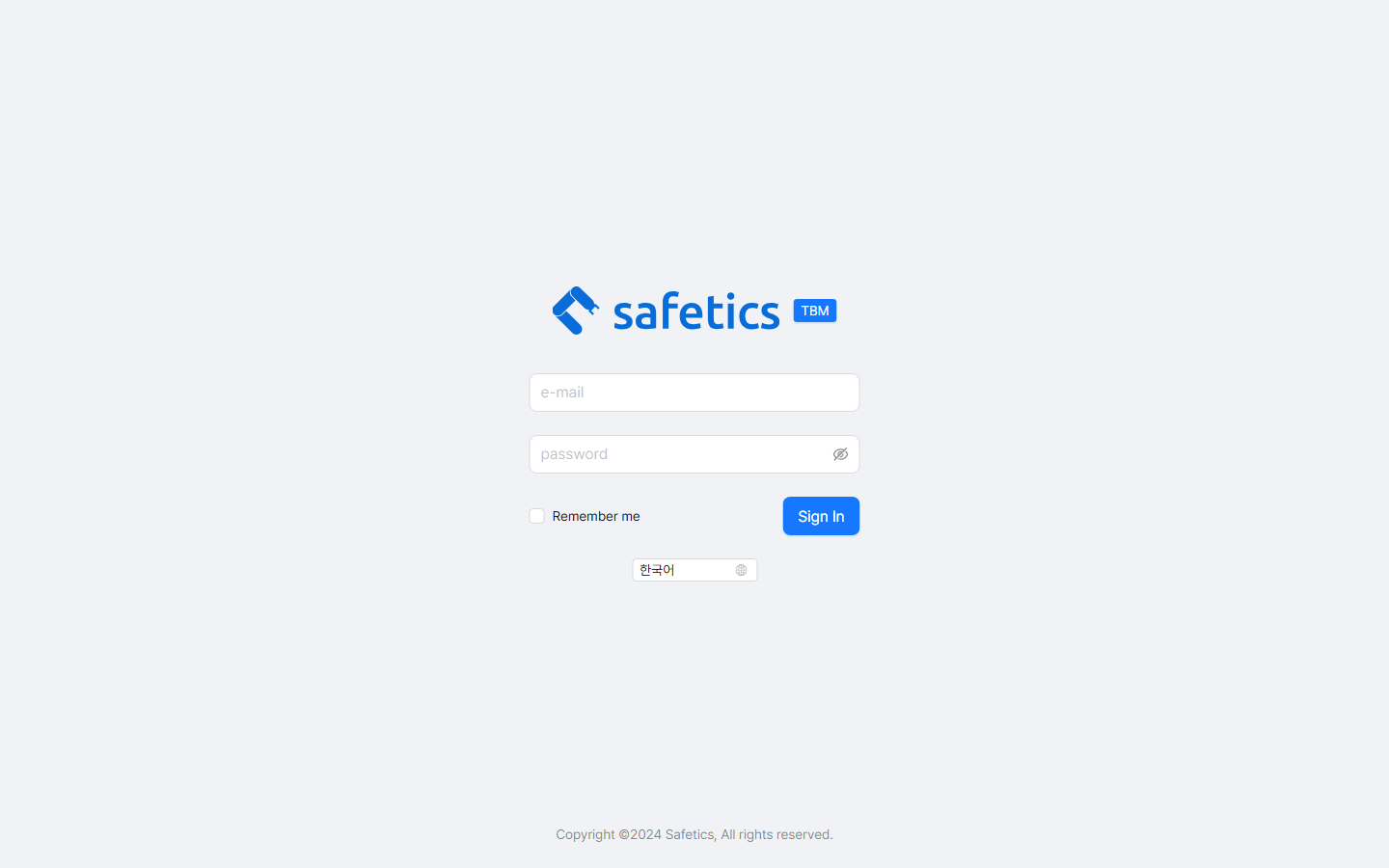
Login screen
- Go to the Admin web address. (The URL announced within your company)
- Enter your email and password (4+ characters). You can reveal the password with the eye icon.
→ The email and password are the same as your SafetyDesigner account.
→ If you forgot your password, go through the password reset steps on the Safetics website. - If needed, switch between Korean/English in the language selector on the screen.
- To log in automatically next time, check Remember me.
- Click Sign In.
When You Can’t Log In
| On-Screen Message | Cause & Fix |
|---|---|
| “The email or password is incorrect.” | Typing error. Check capitalization and spaces, then retry. The email and password are the same as your SafetyDesigner account. |
| “There is no TBM service contract.” | In-house user: your company does not have a TBM contract. Contact the person in charge at your company. Person in charge: contact your Safetics sales representative. |
| “You are not part of an organization.” | Your account has not been added to an organization (group) yet. Ask your company Admin to register you. |