
Regular
Accept or decline a dispatch invite from another organization’s site.
 123
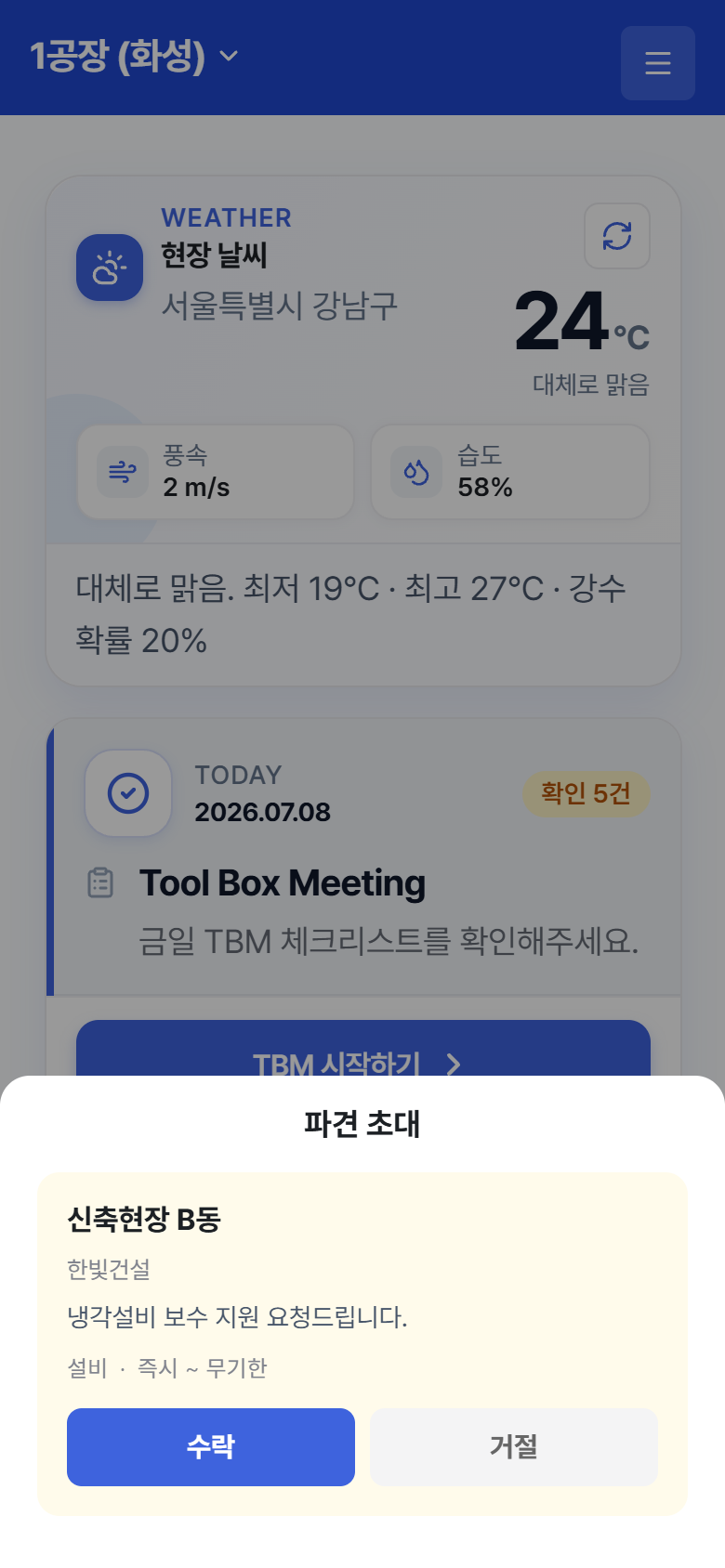
123“Dispatch Invite” – pop-up right after login, or the Settings screen
- When a dispatch invite arrives, a “Dispatch Invite” pop-up opens on the Home screen right after login. To handle it later, you can also find it on the Settings screen under the Dispatch Invite (N) section.
- On the invite card, check the inviting site and organization, the period (“Immediately” if there is no start date, “Indefinite” if there is no end date), and any memo.
- Tap Accept or Decline.
- If you accept, the dispatch site is added to the Select a Site list with a Dispatch badge, and you can participate in that site’s TBMs.
Concept
Dispatch invites are sent by the Admin from the web. When the dispatch ends (ended by the Admin or the period expires), the site disappears from your site list automatically. External workers do not have the dispatch feature.