
External Worker
Log in with the access code posted at the site, plus your name and mobile phone number.
 12345
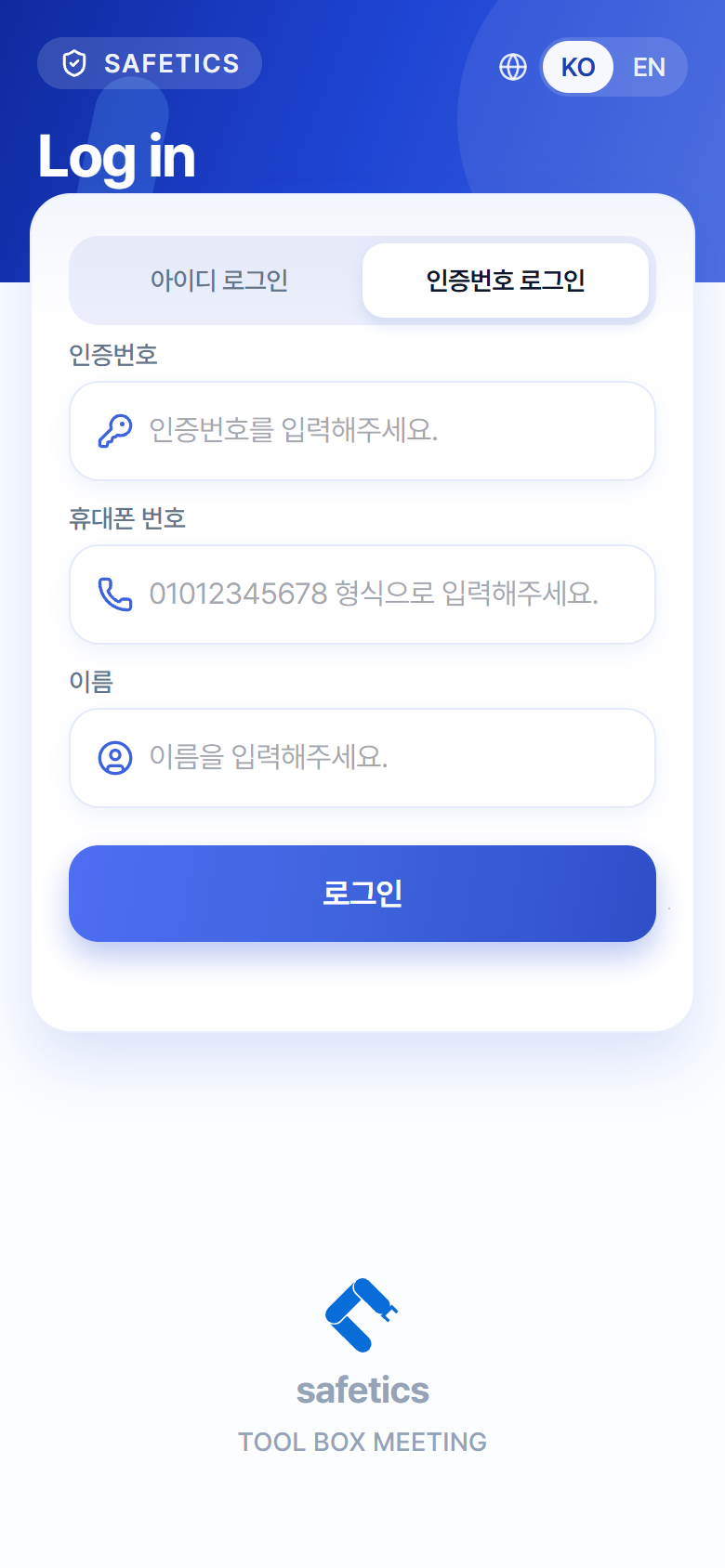
12345Login screen – “Access Code Login” tab
- Select the Access Code Login tab.
- Enter the access code. (Check the notice posted at the site — letters are capitalized automatically.)
- Enter your mobile phone number. (Hint: “Enter it in the 01012345678 format.”)
- Enter your name.
- Tap Log In.
- An identity verification step follows: if your device has fingerprint or face recognition, use biometric authentication (one-time registration required at first); if not, set and enter a 4-digit PIN.
Warning
For security, external workers go through identity verification on every login (biometric authentication or PIN), and auto login is not available. If you forget your PIN, tap “Forgot your PIN?” and follow the guidance to ask an Admin to reset your credentials. After the reset, log in again and you can set a new PIN.
Tip
If the access code is not accepted, the Admin may have renewed it. Check the latest code posted at the site.