
All
Immediately alert the Admin to a hazard you find on site.
 2234
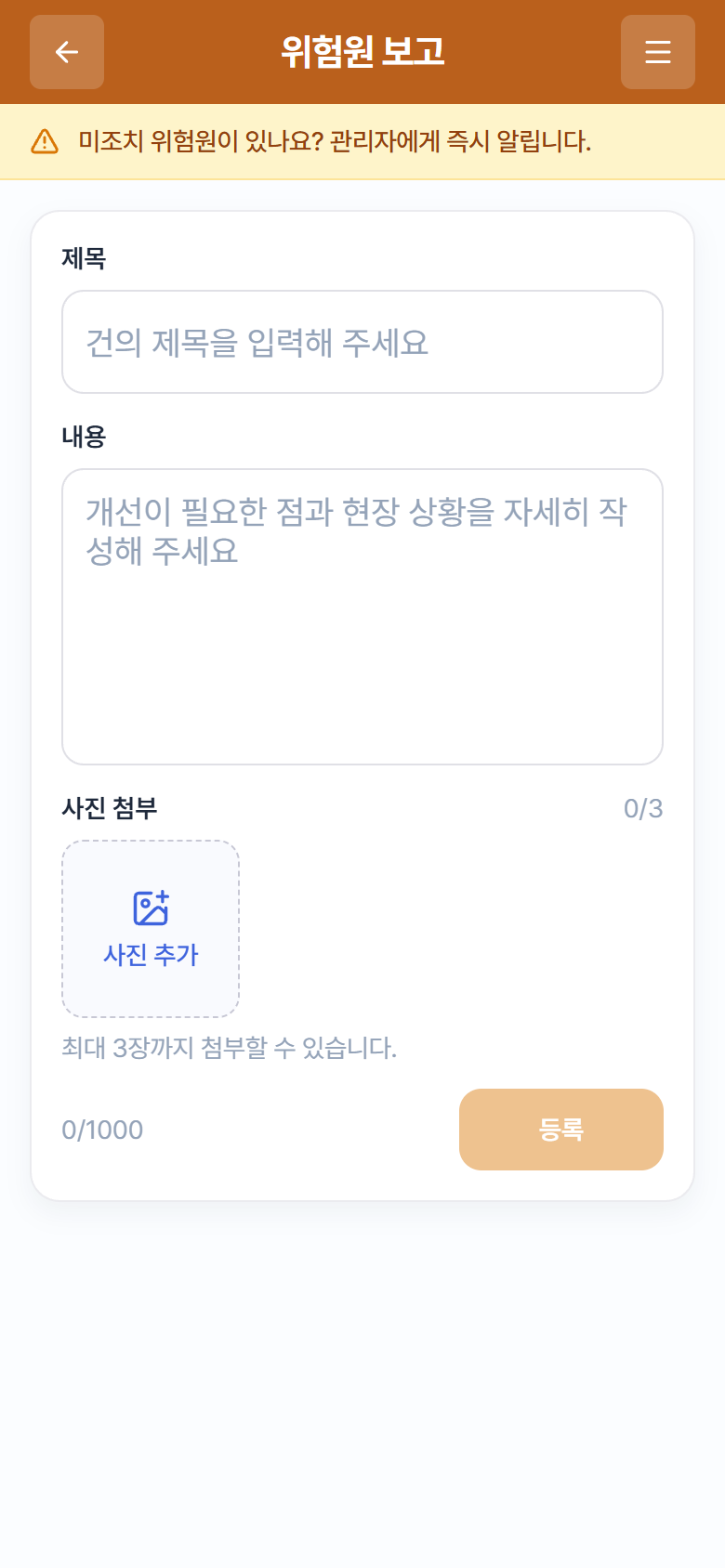
2234“Hazard Report” entry screen (orange header)
- On the emergency cards on Home, tap Hazard Report (RISK, “Tap to report”).
- In the Title and Content fields, describe the hazard’s location and situation in detail. (“Found an unresolved hazard? Alert the administrator right away.”)
- Attach photos of the site (up to 3 — photos make action much faster).
- Tap Register. The report is added to the Suggestions list marked [Hazard], and you can track its action history (3.2 View & Reply to Suggestions).