
All
Submit site improvement requests or opinions, together with photos.
 2345
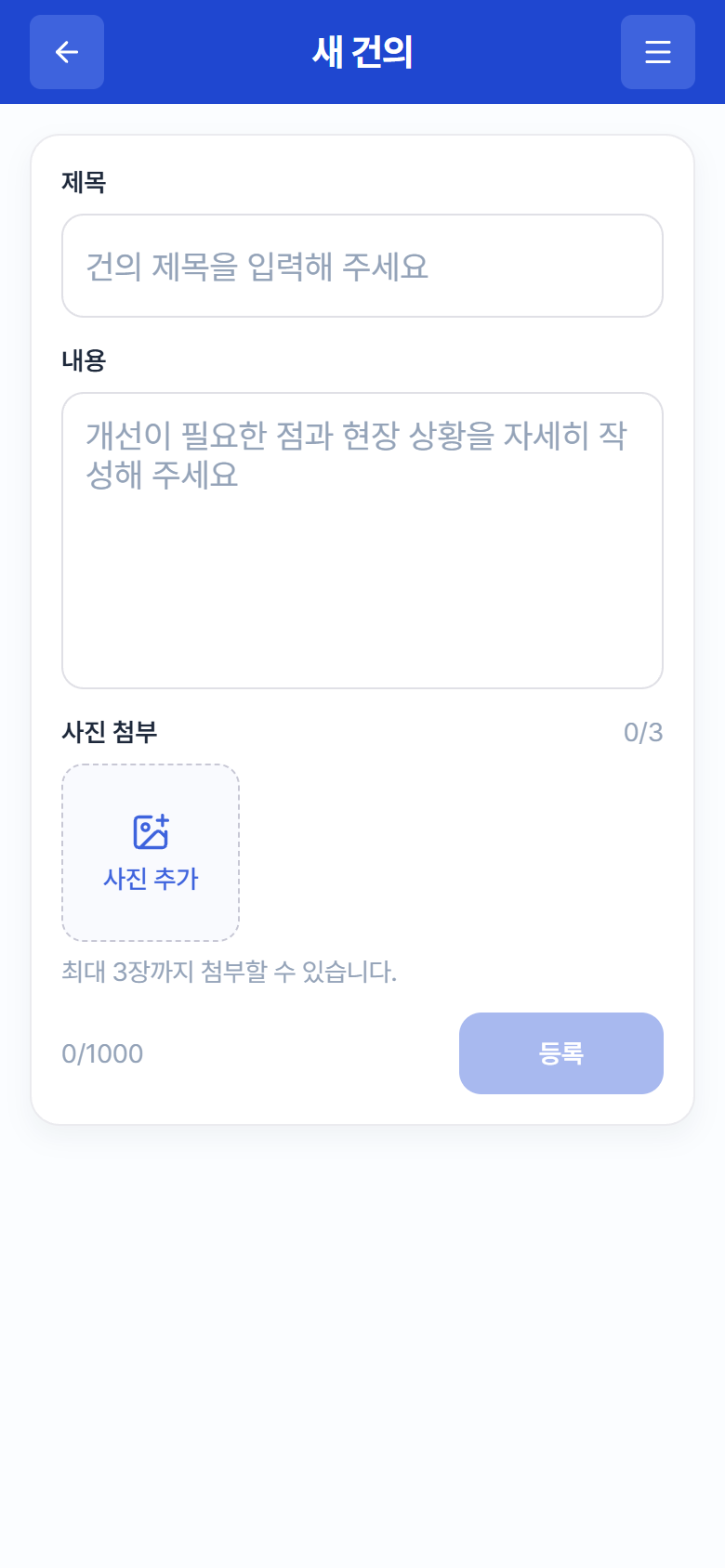
2345“New Suggestion” screen
- Go to Suggestions in the menu and tap the ✏ button at the bottom right.
- Enter a title. (Required; “Enter a suggestion title”)
- Enter the details. (“Describe what needs improvement and the site conditions in detail”)
- Attach photos if needed — Take a Photo or Choose from Album, up to 3.
- Tap Register. A submitted suggestion starts in the Unresolved state in the list.
Tip
If you have found a hazard, use the Hazard Report card on Home instead of a regular suggestion (4.1 Report a Hazard) — it stands out more to Admins.