
All
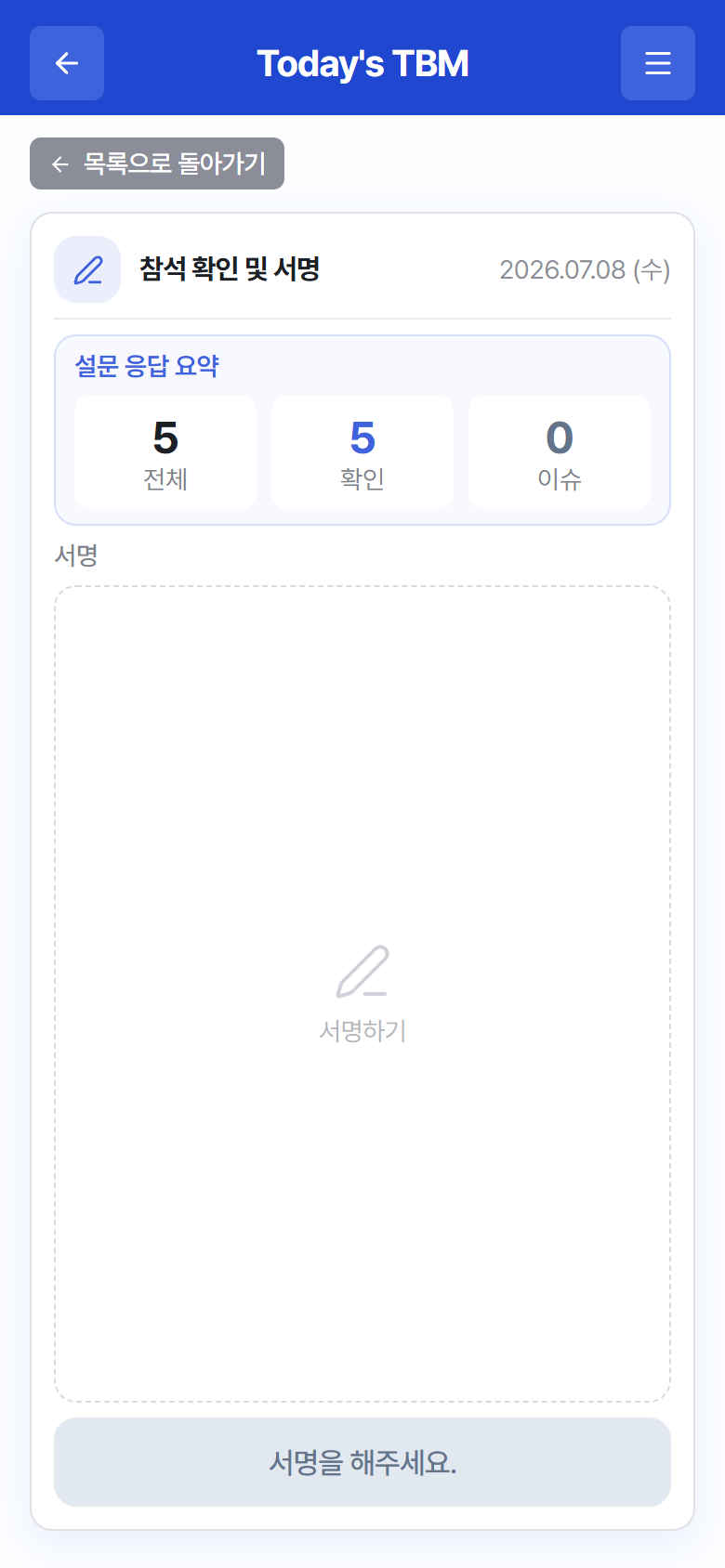
For a TBM whose signature method is “handwritten signature”, finish participation by signing the screen with your finger.
 123
123“Attendance Confirmation & Signature” – response summary + signature area
- Review the response summary (counts of Total/Confirmed/Issues). To change a response, go back with Back to List.
- Sign with your finger in the signature area (“Sign here”). If it comes out wrong, clear it with Sign Again and sign once more.
- Tap Complete TBM. If you reported an issue on any item, the button reads Submit Issue Report & Signature instead.
- While your response is being sent, “Sending…” is displayed. When it finishes, you return to the TBM list and today’s TBM changes to Completed.
Warning
If you have not signed, “Please sign.” is shown in place of the complete button. If a “Signature failed to send” message appears, check your network connection and try again — this happens before submission, so your participation has not been recorded yet.