
All
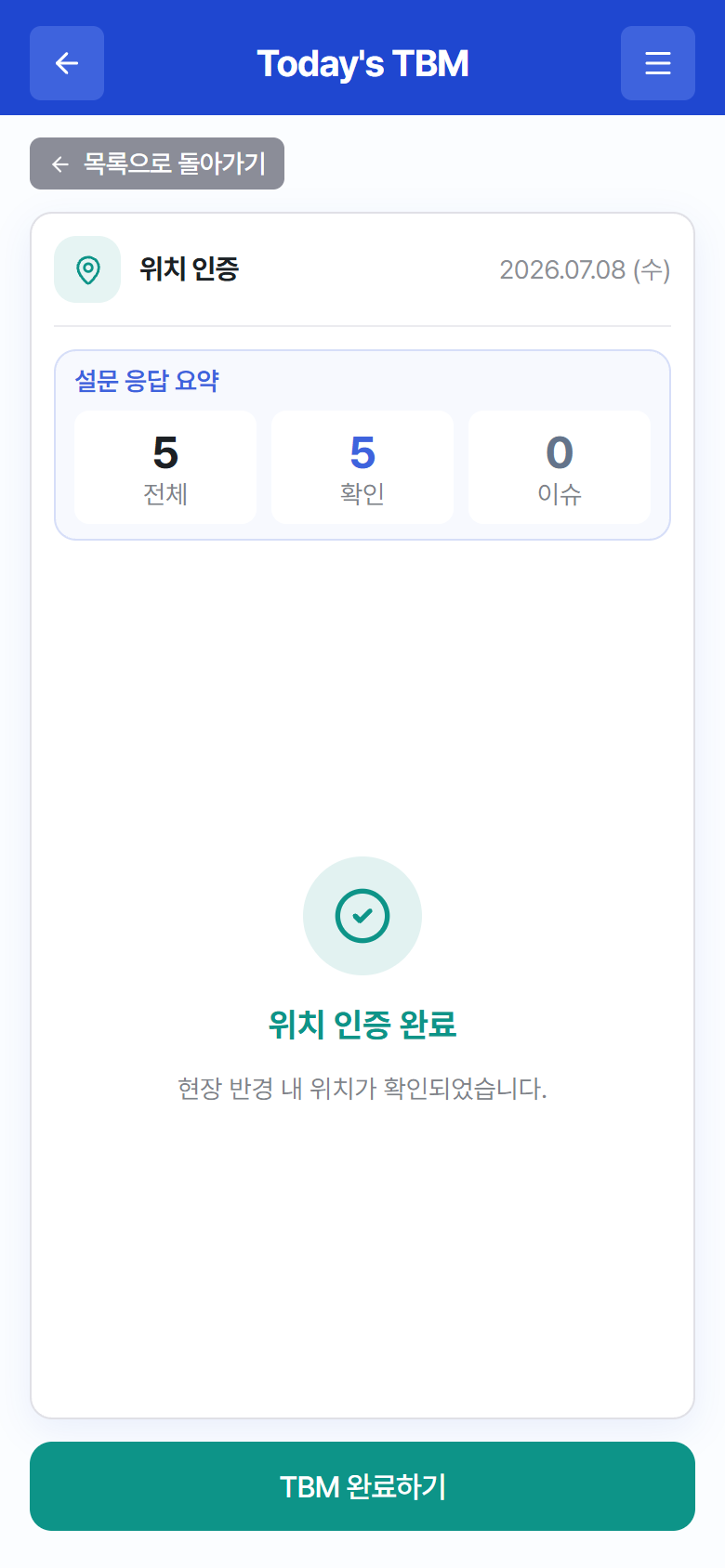
For a TBM whose signature method is “Geo-Fence”, finish participation by confirming you are within the site’s GPS radius.
 12
12“Location Check” – confirming your location within the site radius
- When you finish responding to the checklist, “Checking your location…” starts automatically. (The location permission must be allowed.)
- When “Location check complete — your location within the site radius has been confirmed.” is displayed, tap Complete TBM.
- If it fails, “You are outside the site radius. (distance m / allowed m)” is displayed — move inside the site and tap Retry.
Tip
If location permission or GPS errors persist, see 4.5 When Location Check (Geo-Fence) Fails.